Camcorder vs Mirrorless: 5 Key Differences for Pros
Stop chasing megapixels and start chasing the right sensor: why your choice between a mirrorless camera and a dedicated camcorder determines your professional workflow.
Choosing the right tool isn't about which camera has the most expensive lens; it is about which device can survive your longest shoot without shutting down.
For many professionals, the debate between a mirrorless camera and a dedicated camcorder is the difference between a creative vision and a logistical nightmare.
* Purpose over Specs: Professional camcorders prioritize thermal management, zoom range, and continuous operation over the shallow depth-of-field offered by mirrorless systems. * Selection Criteria: Selection must be based on the intersection of Form Factor (Handheld vs. Shoulder), Sensor Size (1-inch vs. Full Frame), and Connectivity (XLR/SDI vs. USB-C). * Workflow Optimization: Professional users should choose camcorders for long-form events (documentaries, lectures) and mirrorless for cinematic, short-form content.
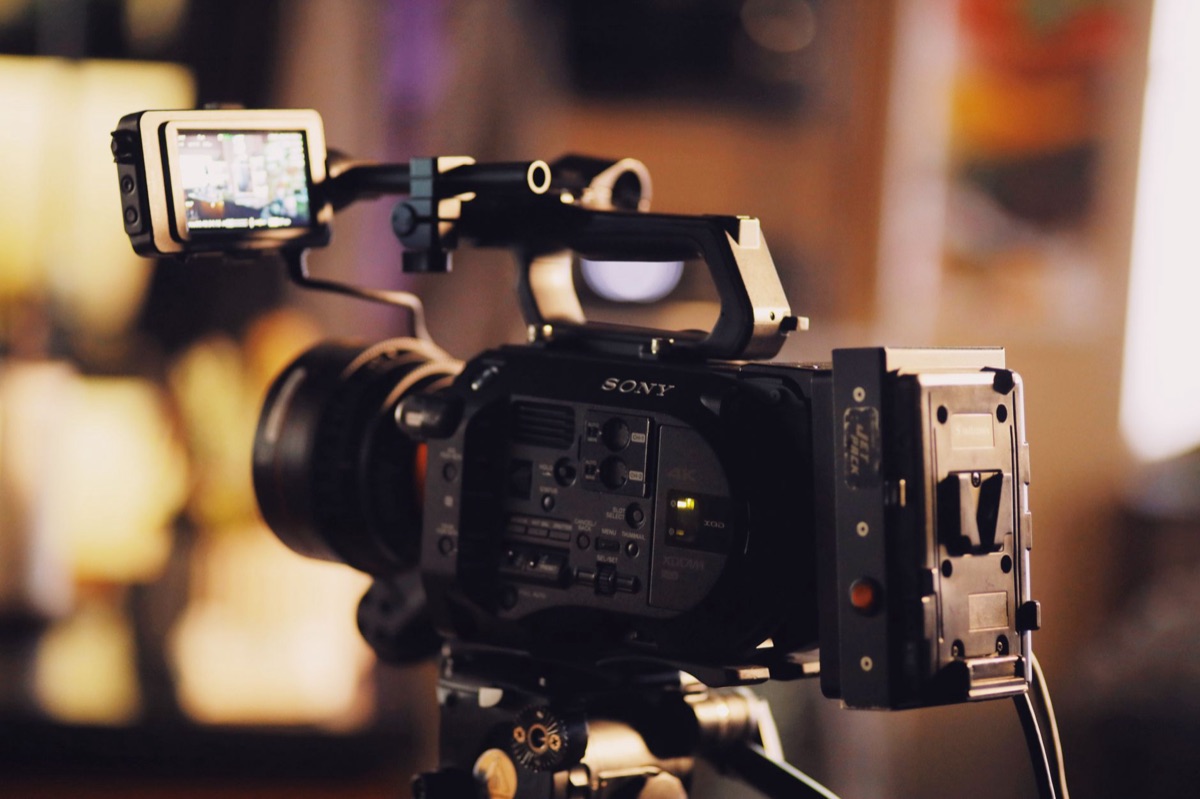
Why choose a camcorder over a mirrorless camera for professional work?
A filmmaker sits in a dark editing suite at 2:00 AM, staring at a black screen because their mirrorless camera overheated during a crucial 4K recording session. The fan whirred, the sensor hit its limit, and the shoot was effectively over.
Thermal management is the primary reason professionals reach for camcorders. While mirrorless bodies are packed with technology to capture beautiful stills, their compact bodies often struggle to dissipate heat during extended 4K or 8K recording.
Camcorders are engineered with internal cooling systems designed to run for hours without a thermal shutdown.
Ergonomics and zoom capabilities also set these tools apart. A camcorder often features a built-in optical zoom lens and a dedicated zoom rocker on the body. This allows for smooth, controlled focal transitions that are difficult to replicate on a mirrorless body without cumbersome external motors.
Recording endurance is another critical factor. Professional camcorders are built to handle battery life and power input (AC/DC) for 10+ hour continuous shooting. When you are filming a wedding ceremony or a keynote lecture, you cannot afford to swap batteries every forty minutes.
Finally, physical I/O (Input/Output) is non-negotiable for pro-level sound. Camcorders frequently include XLR audio inputs and dedicated headphone/mic jacks.
This allows for professional-grade microphones to be plugged directly into the device, ensuring clean, high-fidelity sound capture without the need for messy adapters.
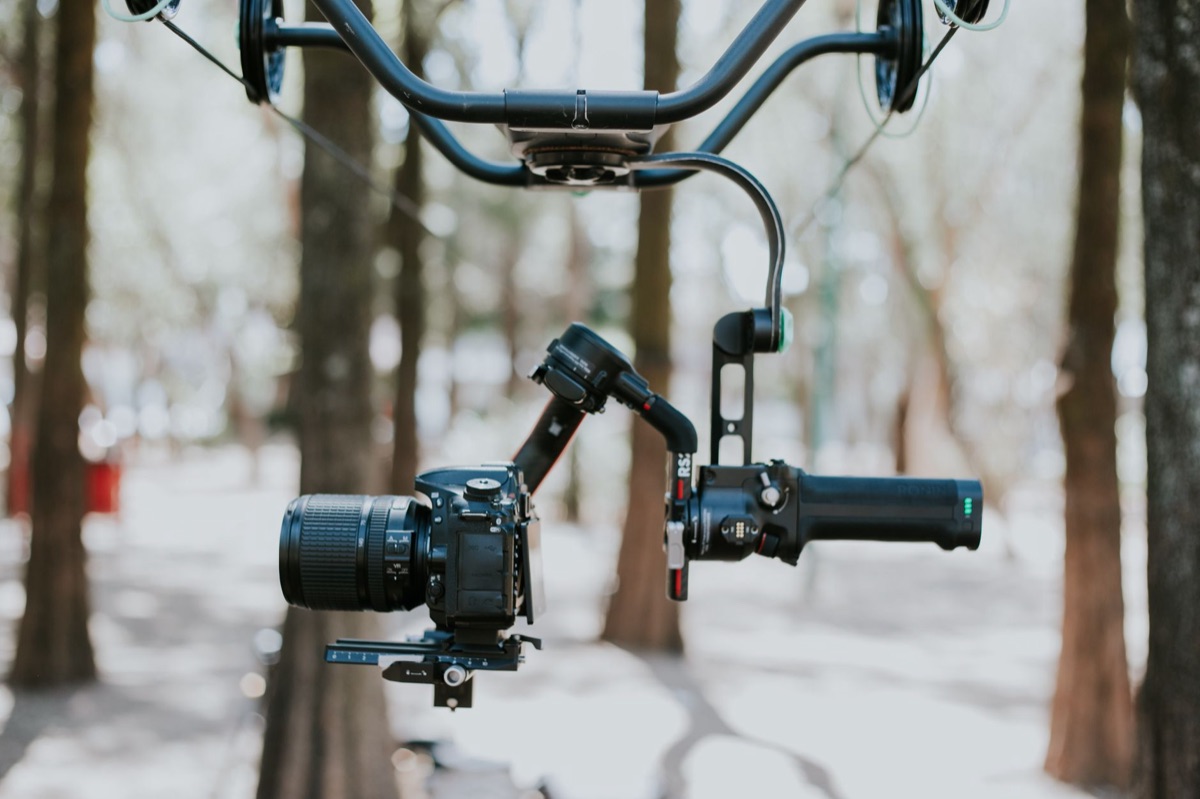
Which type of camcorder fits your production scale?
A journalist stands on a crowded street corner in downtown Chicago, adjusting a compact camcorder to capture a passing parade. The device is small enough to hold with one hand but powerful enough to produce broadcast-quality footage.
Prosumer/Compact Camcorders (typically featuring 1-inch sensors) are the go-to for vloggers and journalists. These units focus on portability and "all-in-one" convenience.
For example, the Sony AX series provides enough quality to look professional on screen while remaining easy to carry in a small shoulder bag.
Professional Camcorders (ENG/Large Sensor) are built for the heavy lifting of news and documentary work. These units focus on high-bitrate 4K/8K video, robust XLR inputs, and rugged build quality. They are designed to survive rain, dust, and the physical rigors of field journalism.
Cinema Camcorders/Compact Cinema represent the hybrid space. These devices focus on high dynamic range (Log profiles) and often allow for lens interchangeability. They bridge the gap between traditional video and the cinematic look of high-end film production.
When deciding between these categories, you must analyze the trade-off between portability and image quality. A larger sensor provides better low-light performance and shallower depth of field, but it often comes at the cost of zoom range and physical size.
| Feature | Prosumer/Compact | Professional (ENG) | Cinema Hybrid |
|---|---|---|---|
| Primary Use | Vlogging / Journalism | News / Documentaries | Commercials / Film |
| Portability | Extremely High | Moderate | Low to Moderate |
| Zoom Range | Fixed/Built-in | Large Optical Zoom | Interchangeable |
| Audio I/O | 3.5mm Jack | XLR Inputs | XLR / Professional |
| Thermal Control | Moderate | High | High |
Essential specs for professional quality
A colorist sits at a desk, meticulously adjusting the shadows of a clip. They notice that the footage has enough bit depth to recover lost details in the dark areas, thanks to the specific codec used during filming.
Sensor size and bit depth are the foundations of professional quality. A 1-inch sensor is excellent for portability, but larger sensors provide better low-light performance and more flexibility for professional color grading.
The bit depth determines how many colors can be represented, which is vital for smooth gradients in post-production.
Codec and compression choices are equally important. Understanding the difference between H.265, ProRes, and All-I vs. Long-GOP is crucial.
For example, All-I (All-Intra) codecs provide much higher flexibility in post-production because every frame is a complete image, whereas Long-GOP saves space by only recording changes between frames.
Autofocus vs. manual control is a balancing act. Modern camcorders use AI-driven phase detection to assist solo operators in keeping subjects sharp. However, professionals often require manual control to execute precise pulls of focus during cinematic shots.
Stabilization technology also varies. Optical zoom stabilization is vital for handheld shooting to prevent jittery footage, while digital crop-based stabilization can be used to smooth out movement at the cost of a slightly smaller field of view.
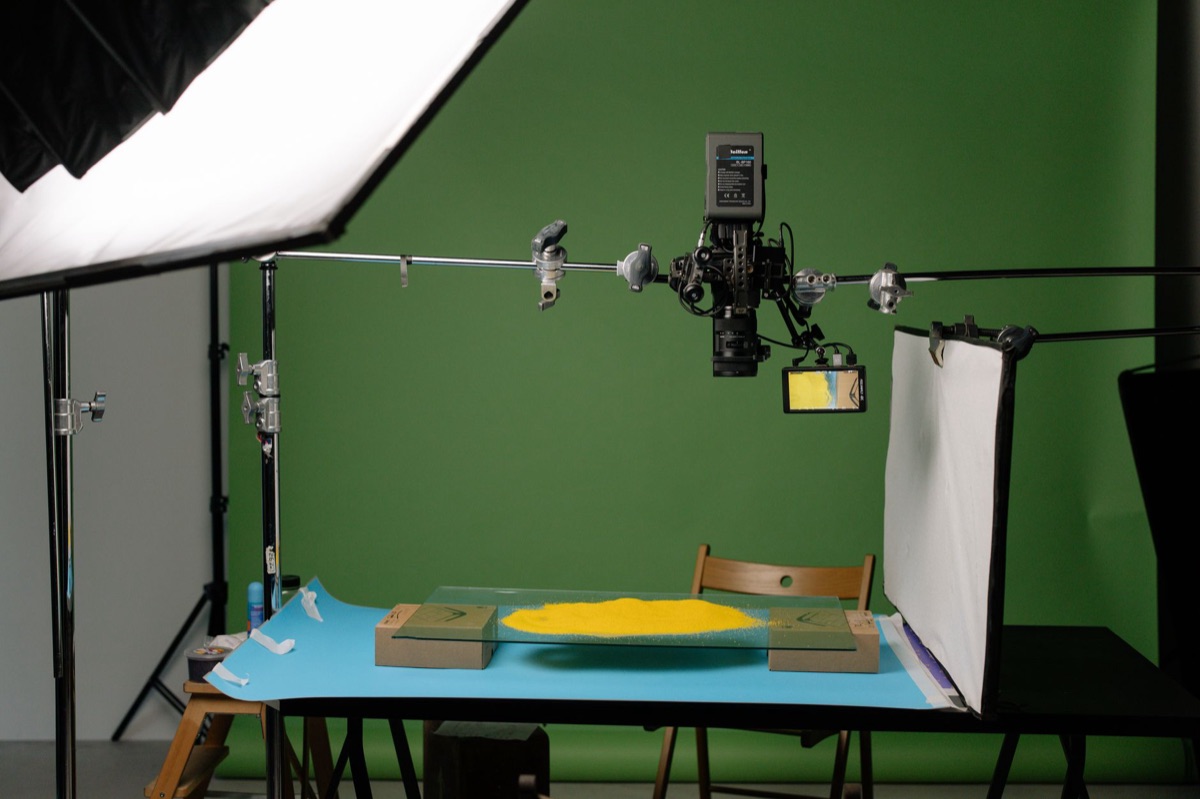
Which model should you buy based on your scenario?
A documentary filmmaker treks through a muddy forest, their camcorder tucked into a weather-sealed bag. They need a tool that can handle the elements and record long stretches of ambient sound without failing.
The Documentary Filmmaker needs to prioritize battery life, XLR audio,s and compact size. For "run-and-gun" shooting, you need a device that can be grabbed instantly and used for long periods without constant maintenance.
The Event/Lecture Videographer needs to prioritize long-range optical zoom and reliable thermal management. If you are filming a graduation or a corporate lecture from the back of a hall, you cannot rely on a zoom lens that runs out of focus or a body that overheats after an hour.
The YouTube/Vlogger Professional needs to prioritize flip-out screens, built-in mic quality, and ease of transfer. For content creators, the ability to see themselves and quickly move files to a laptop is often more important than having XLR inputs.
The Studio/Broadcast Operator needs to prioritize SDI/HDMI outputs and color-matching capabilities. In a studio environment, the ability to send a signal to a monitor or another camera via SDI is essential for professional-grade workflows.
- Identify your primary environment: Will you be in a controlled studio or an unpredictable outdoor setting?
- Determine your audio needs: Do you need to plug in professional XLR microphones directly?
- Assess your zoom requirements: Do you need to zoom from a distance, or will you be moving physically toward your subject?
- Check thermal limits: How many hours of continuous recording will your typical shoot require?
- Evaluate your post-production workflow: Do you need high-bitrate files for heavy color grading?
Budgeting and investment: Price-range analysis
A young entrepreneur looks at their savings, deciding whether to invest in a mid-range camcorder or a high-end mirrorless setup. They realize that the right tool is an investment in their ability to produce reliable work.
The market for professional video gear has shifted significantly between 2024 and 2026. Understanding these price brackets helps in planning a realistic equipment budget.
* Entry-Level Professional ($800 - $1,500): These units typically feature high-quality 4K and 1-inch sensors. They are excellent for social media professionals and journalists who need reliable quality without a massive footprint. * Mid-Range Professional ($2,000 - $4,500): This tier introduces advanced autofocus, better sensor technology, and more robust weather sealing. These are the workhorses for wedding videographers and mid-sized production houses. * High-End Professional ($5,000+): At this level, you are paying for large sensors, 8K capabilities, advanced XLR/SDI connectivity, and extreme thermal management. These are tools for broadcast-level work and high-end documentary filmmaking.
When investing, remember that the most expensive camera is not always the best. A $1,500 camcorder that can record for five hours straight is more valuable to an event videographer than a $5,000 mirrorless camera that shuts down after thirty minutes of 4K recording.

Comments 0